Wizard Overview
Front Panel Design Software
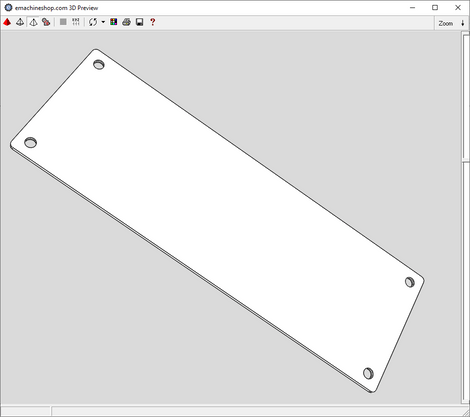
Design and customize a front panel in minutes using eMachineShop’s front panel design wizard.
- 100k+ CAD Users.
- 25+ Part Templates and Shapes.
Make a Custom Front Panel
- Open eMachineShop CAD and select File > New.
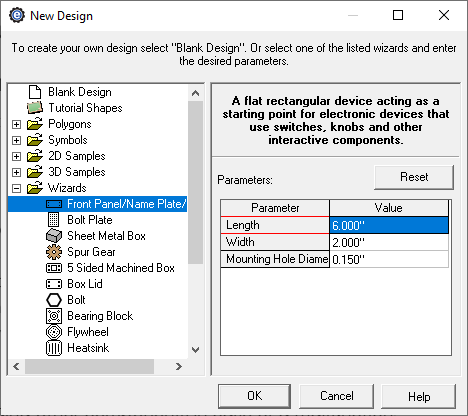
- Expand the Wizards drop-down.
- From the list, select Front Panel/Name Plate/Sign.
- Enter the desired parameters and click OK.
- In the workspace, add desired custom features as needed.
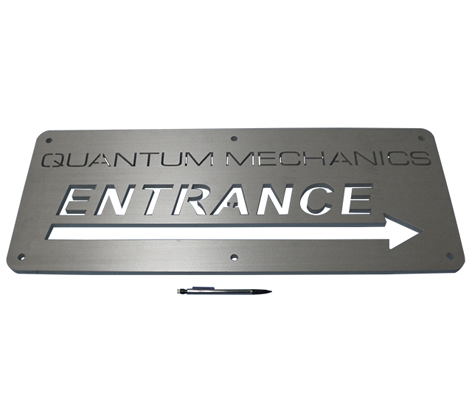
Custom front panels are commonly used in electronic devices. By adding cutouts and associated labels, a front panel can transform a prototype into a finished product. Standard finishes for metal front panels include anodizing and powder coating. After finishes, labeling is then laser etched. FR-4 laminated fiberglass up to ⅛” thick is a common material due to its low cost and weight and high strength.