Wizard Overview
Metal Box Design Software
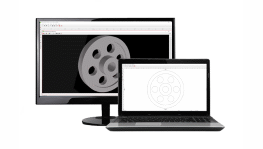
Design and customize a sheet metal box in minutes using eMachineShop’s metal box design wizard.
- 100k+ CAD Users.
- 25+ Part Templates and Shapes.
Make a Custom Sheet Metal Box
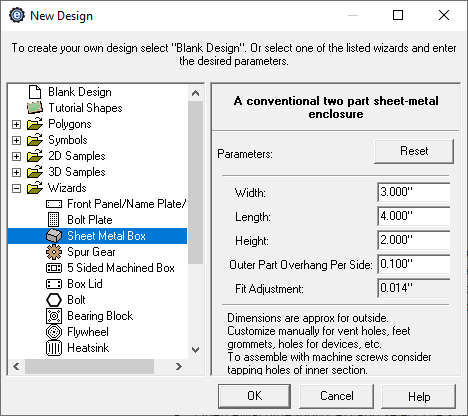
- Open eMachineShop CAD and select File > New.
- Expand the Wizards drop-down.
- From the list, select Sheet Metal Box.
- Enter the desired parameters and click OK.
- In the workspace, add desired custom features as needed.
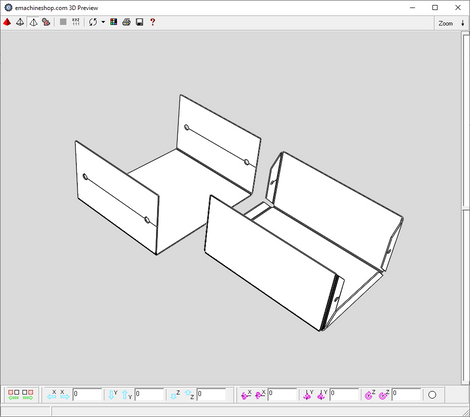
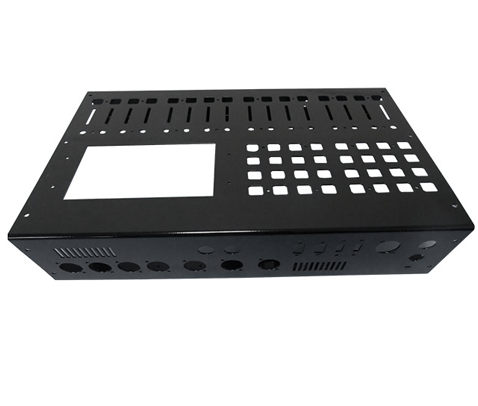
Sheet metal boxes are two-part enclosures made by cutting metal sheets and then bending the resulting parts using a press brake to form a box. By adding cutouts for ports, switches, ventilation, or mounting, these versatile and cost-effective enclosures can be used in applications ranging from electronics to robotics. Powder coating or anodizing is an option for enhanced appearance and corrosion resistance.